Back to Robotics Hub

Beginner Projects
Beginner
Mar 21, 2026
Arduino Traffic Light Controller
Project Overview
This beginner project introduces you to basic Arduino programming, focusing on pinMode, digitalWrite, and delay functions. We will construct a model of a standard intersection using LEDs.
Components Required
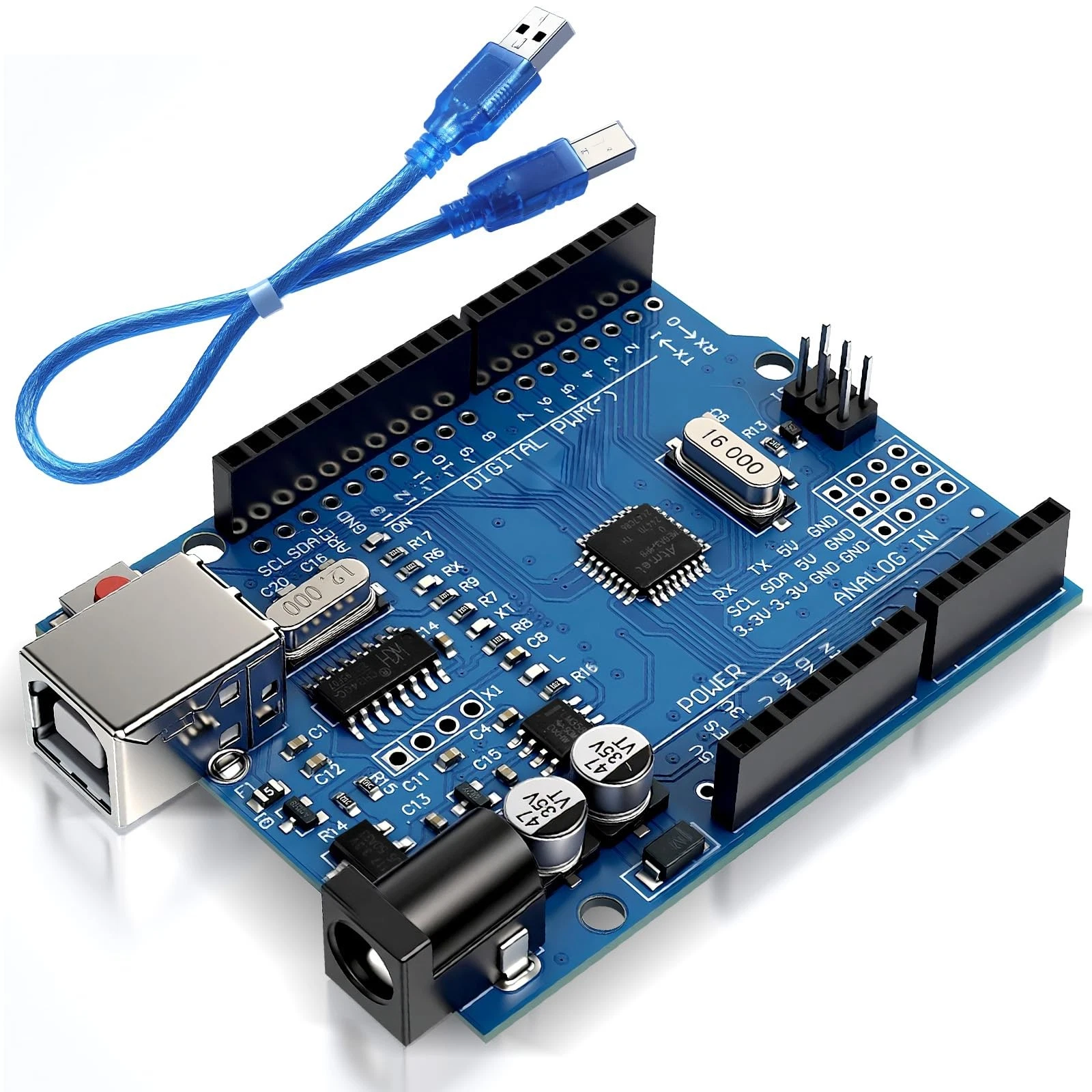
- 1x Arduino Uno
- 1x Breadboard
- 3x Red LEDs, 3x Yellow LEDs, 3x Green LEDs
- 9x 220-ohm Resistors
- Jumper Wires
Wiring Guide
Connect the long leg (anode) of each LED to a digital pin on the Arduino (e.g., Pins 2 through 10) through a 220-ohm resistor. Connect all the short legs (cathodes) to the ground rail on your breadboard, and run a wire from the ground rail to the GND pin on the Arduino.
Source Code
int red1 = 2;
int yellow1 = 3;
int green1 = 4;

void setup() {
  pinMode(red1, OUTPUT);
  pinMode(yellow1, OUTPUT);
  pinMode(green1, OUTPUT);
}

void loop() {
  digitalWrite(green1, HIGH);
  delay(5000);
  digitalWrite(green1, LOW);

  digitalWrite(yellow1, HIGH);
  delay(2000);
  digitalWrite(yellow1, LOW);

  digitalWrite(red1, HIGH);
  delay(5000);
  digitalWrite(red1, LOW);
}