Automatic Light Control System Using LDR (Photoresistor)

Project Overview
This project introduces analog sensing using a Light Dependent Resistor (LDR), also known as a photoresistor. Unlike digital sensors that only detect ON/OFF states, the LDR provides varying values depending on light intensity, allowing the Arduino to make more dynamic decisions.
The goal of this project is to automatically control an LED based on ambient light conditions. When it gets dark, the LED turns on, and when it is bright, the LED turns off. This mimics real-world applications such as street lighting systems and automatic night lamps.
This project is important because it teaches how to read analog values and use thresholds to create intelligent behavior in embedded systems.
Components Required
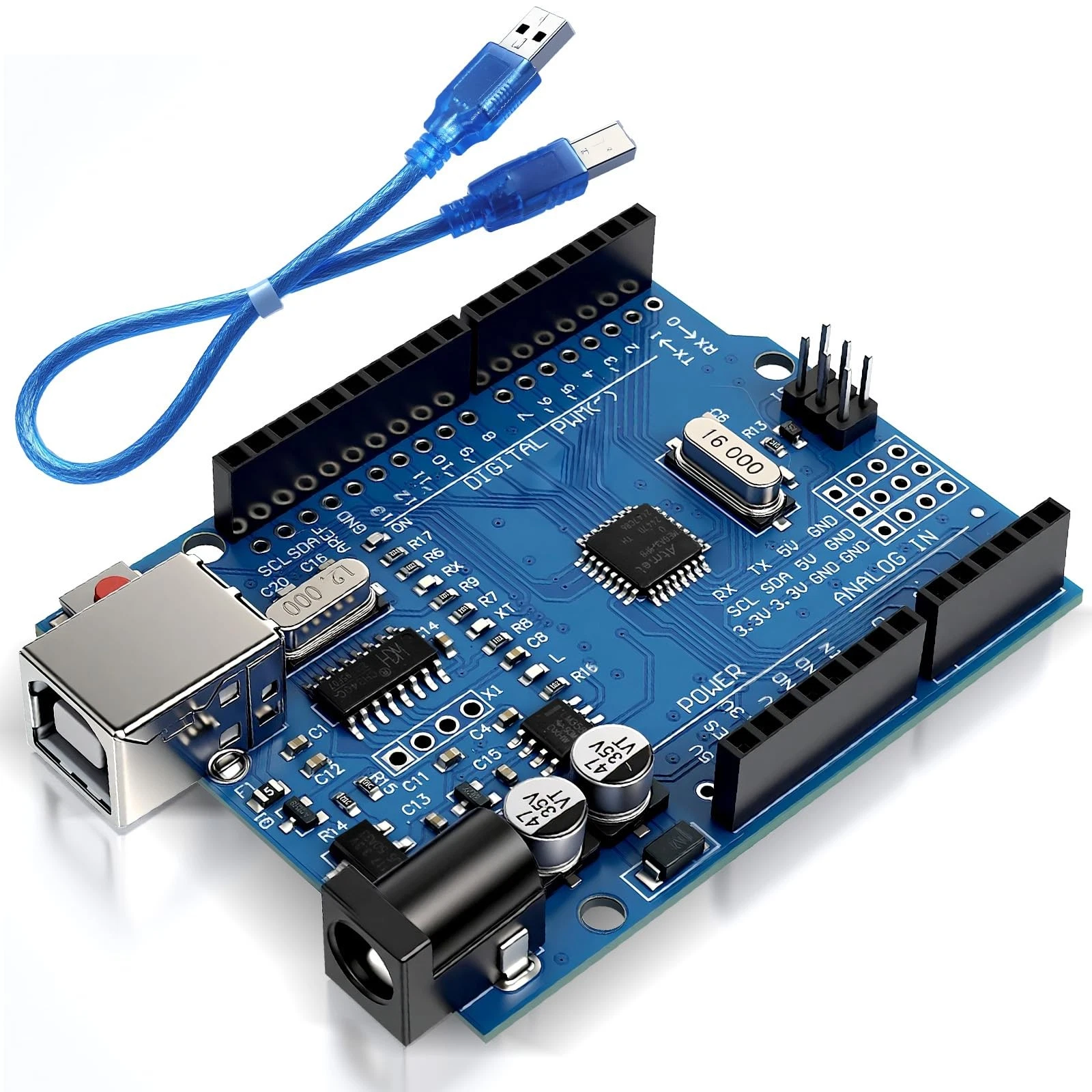
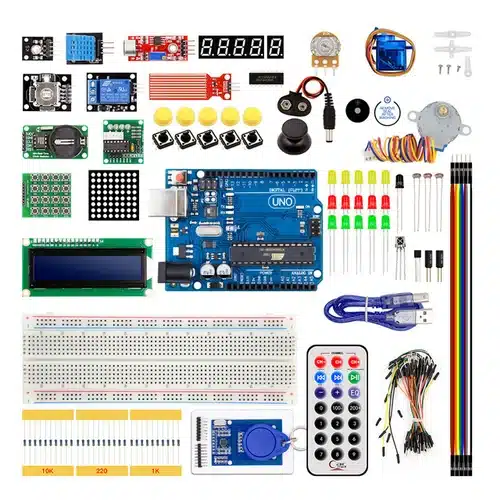
- 1x Arduino Uno
- 1x LDR (Photoresistor)
- 1x 10kΩ Resistor
- 1x LED
- 1x 220Ω Resistor
- Breadboard
- Jumper wires
Wiring Guide
Follow these steps carefully:
- LDR Voltage Divider Setup:
- Connect one leg of the LDR to 5V
- Connect the other leg of the LDR to analog pin A0
- From that same point (A0), connect a 10kΩ resistor to GND
- LED Connection:
- Connect LED anode (long leg) to pin 8 through a 220Ω resistor
- Connect LED cathode (short leg) to GND
The LDR and resistor form a voltage divider, which allows the Arduino to read changing voltage levels depending on light intensity.
Source Code
int ldrPin = A0;
int ledPin = 8;

int threshold = 500; // Adjust based on environment

void setup() {
  pinMode(ledPin, OUTPUT);
  Serial.begin(9600);
}

void loop() {
  int lightValue = analogRead(ldrPin);

  Serial.print("Light Value: ");
  Serial.println(lightValue);

  if (lightValue < threshold) {
    digitalWrite(ledPin, HIGH); // Dark → LED ON
  } else {
    digitalWrite(ledPin, LOW);  // Bright → LED OFF
  }

  delay(500);
}
Code Explanation
The Arduino reads analog values from the LDR using analogRead(), which returns values between 0 and 1023 depending on light intensity.
A threshold value is defined to determine when it is considered "dark." If the light level drops below this threshold, the LED is turned on. Otherwise, it remains off.
The Serial Monitor is used to display real-time light values, which helps in calibrating the threshold for different environments.
This project introduces an important concept in embedded systems: converting real-world environmental changes into digital decisions.