Infrared(IR) Sensor Object Detection

Project Overview
This project introduces object detection using an Infrared (IR) sensor. Unlike analog sensors, the IR sensor provides a digital signal (HIGH or LOW), making it simple to detect the presence or absence of objects.
IR sensors are widely used in robotics for line-following robots, obstacle detection, and automation systems. Understanding this sensor is a key step toward building autonomous robots.
Components Required
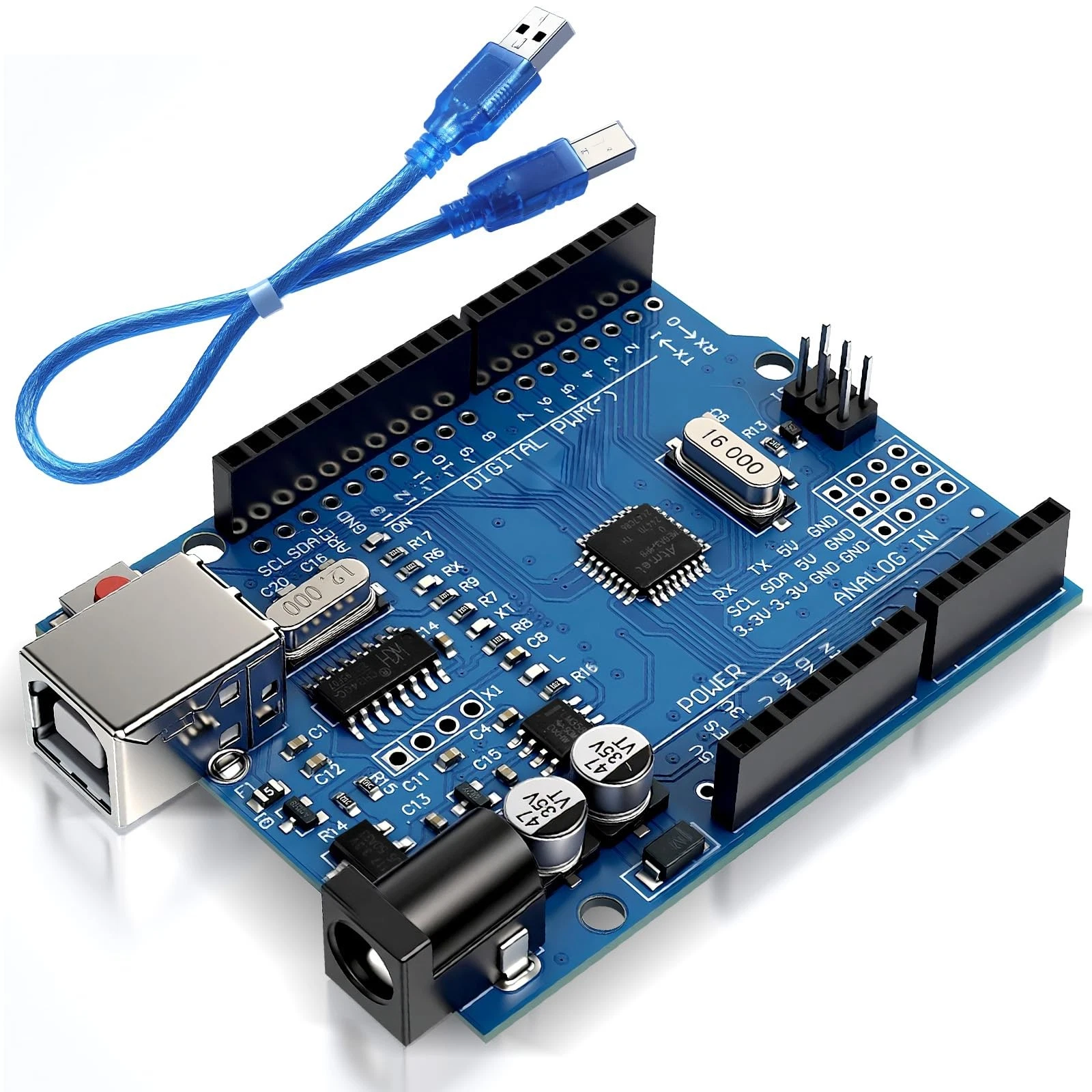
- Arduino Uno
- IR Sensor Module
- LED
- 220Ω Resistor
- Jumper wires
Wiring Guide
Follow these steps:
- Connect the VCC pin of the IR sensor to the 5V pin on the Arduino.
- Connect the GND pin of the sensor to Arduino GND.
- Connect the OUT pin of the sensor to digital pin 2.
- Connect the LED anode to pin 13 through a 220Ω resistor.
- Connect the LED cathode to GND.
The IR module contains both a transmitter and receiver. It emits infrared light and detects reflections from nearby objects.
Source Code
int sensor = 2;
int led = 13;

void setup() {
  pinMode(sensor, INPUT);
  pinMode(led, OUTPUT);
}

void loop() {
  int state = digitalRead(sensor);

  if (state == LOW) {
    digitalWrite(led, HIGH);
  } else {
    digitalWrite(led, LOW);
  }
}
Code Explanation
The IR sensor outputs a digital signal depending on whether an object is detected. The Arduino reads this signal using digitalRead().
When an object is detected, the sensor typically outputs LOW. The program checks this condition and turns the LED ON. Otherwise, the LED remains OFF.
This simple detection mechanism forms the basis of many robotic behaviors such as obstacle avoidance and line tracking.